Dashboard – Notifications
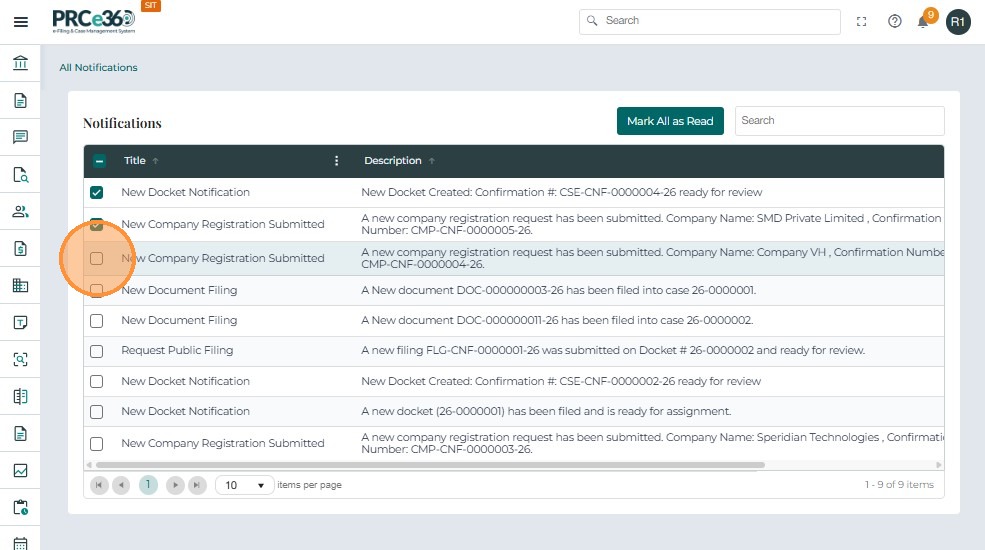
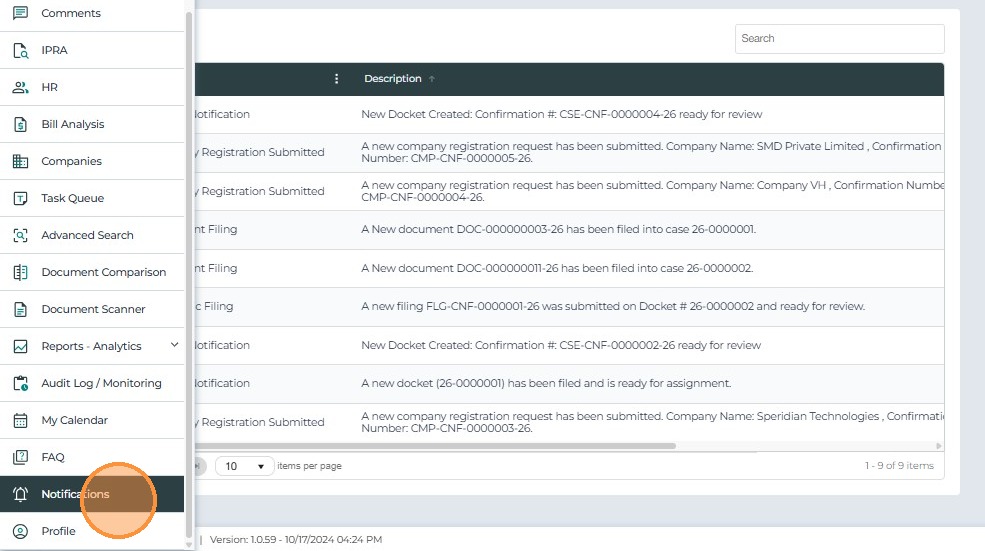
The Notifications Dashboard displays a list of alerts and system updates specific to the logged-in user.
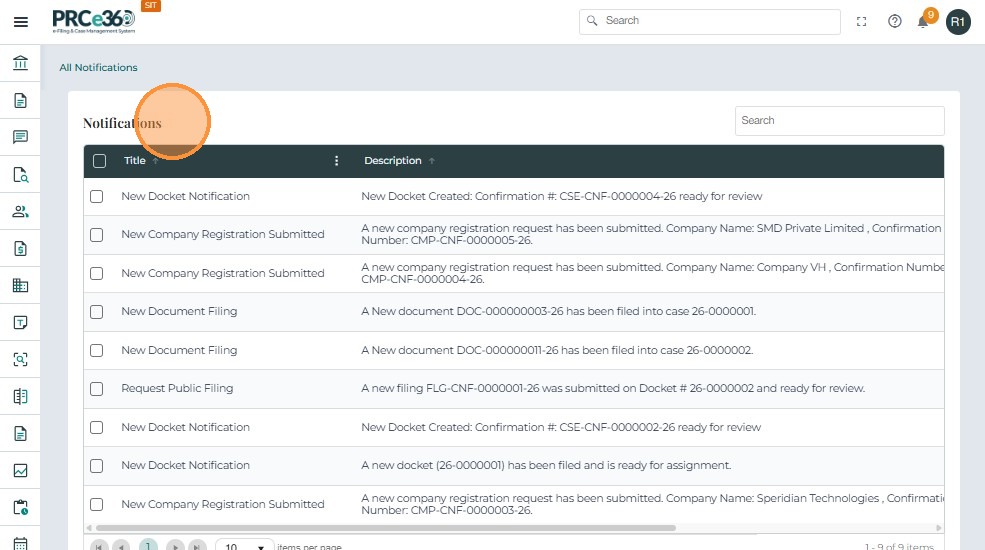
- Each notification includes a Title and Description.
- Use the Search field to locate a specific notification.
- Select any notifications and click on Mark All as Read button to mark the notifications as read